
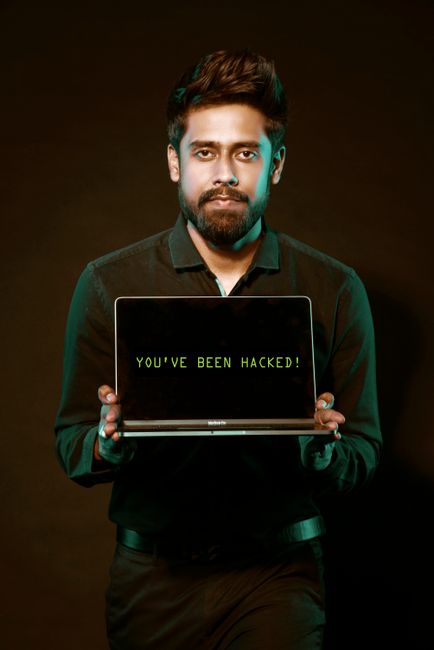
Cybersecurity has become a critical skill for anyone who uses the internet, works in an office, or manages personal finances online. In 2026, the threat landscape continues to evolve rapidly, with hackers developing more sophisticated techniques and criminals increasingly targeting everyday users rather than just large corporations. Understanding the fundamentals of cybersecurity is no longer optional—it’s essential for protecting your digital life.
The Rise of Targeted Attacks
Modern cybersecurity threats are more personalized and sophisticated than ever before. Attackers use social engineering, where they manipulate people into revealing sensitive information or taking dangerous actions. A common example is phishing emails that appear to come from trusted sources like your bank or employer, but actually trick you into clicking malicious links or downloading infected files. Ransomware—software that locks your files until you pay a ransom—has become increasingly common, affecting both individuals and businesses. These attacks often start with a single compromised password or a moment of inattention when opening an email attachment.
Another emerging trend is the exploitation of IoT (Internet of Things) devices. Smart home devices, fitness trackers, and connected security cameras often have weak security measures, and hackers can infiltrate them to gain access to your home network. Once inside, they can move laterally to compromise more sensitive systems like computers containing financial information.
Password Security and Authentication
Your password is frequently the only thing standing between a hacker and your personal data. Weak passwords—those that are short, use common words, or follow predictable patterns—can be cracked in seconds using automated tools. The most secure passwords are long (at least 16 characters), use a mix of uppercase and lowercase letters, numbers, and special symbols, and are unique to each account. However, remembering dozens of complex passwords is unrealistic for most people, which is why password managers have become indispensable tools. A password manager stores your passwords securely and can generate strong, unique passwords for each site automatically.
Beyond passwords, multi-factor authentication (MFA) adds an extra layer of protection. MFA requires you to verify your identity using multiple methods—typically something you know (a password), something you have (a phone or security key), and sometimes something you are (biometric data). Enabling MFA on critical accounts like email and banking dramatically reduces the risk of unauthorized access, even if your password is compromised.
Practical Daily Habits
Implementing cybersecurity best practices doesn’t require becoming a technical expert. Start by keeping your devices updated. Software updates often include security patches that close vulnerabilities hackers exploit. Set your devices to update automatically, or check for updates regularly if automatic updates are disabled. Be cautious about public Wi-Fi networks—they’re convenient but inherently insecure. Avoid checking banking information or entering sensitive data on public networks without using a VPN (Virtual Private Network), which encrypts your internet connection.
Regularly back up your important files to a secure location, either in the cloud or on an external hard drive disconnected from your computer. If your device falls victim to ransomware or a hardware failure, these backups ensure you don’t lose irreplaceable data. Finally, stay skeptical of unexpected messages, emails, and calls asking for information or requesting you to click links. When in doubt, contact the organization directly using a phone number or website you know is legitimate, rather than using contact information from the suspicious message.